Direct
Show the product and its workflow without a long setup.
HookProblemDemoProofCall to action
Show the local business product first, name the task it handles, demonstrate one workflow, then invite the viewer to try the next step.
Promo reels
A local-business reel should answer a nearby customer's practical question: what the business does, where the service fits, and what to do next. Use current opening details, service descriptions, real premises, and media the owner can publish. Clipsy turns that source material into six angle options without inventing customer praise, demand, or savings. A direct reel can show the service, while a tutorial or owner walkthrough adds useful context. The phase bars below make each structure easy to review. Confirm prices, availability, location details, and booking terms before the reel goes live.
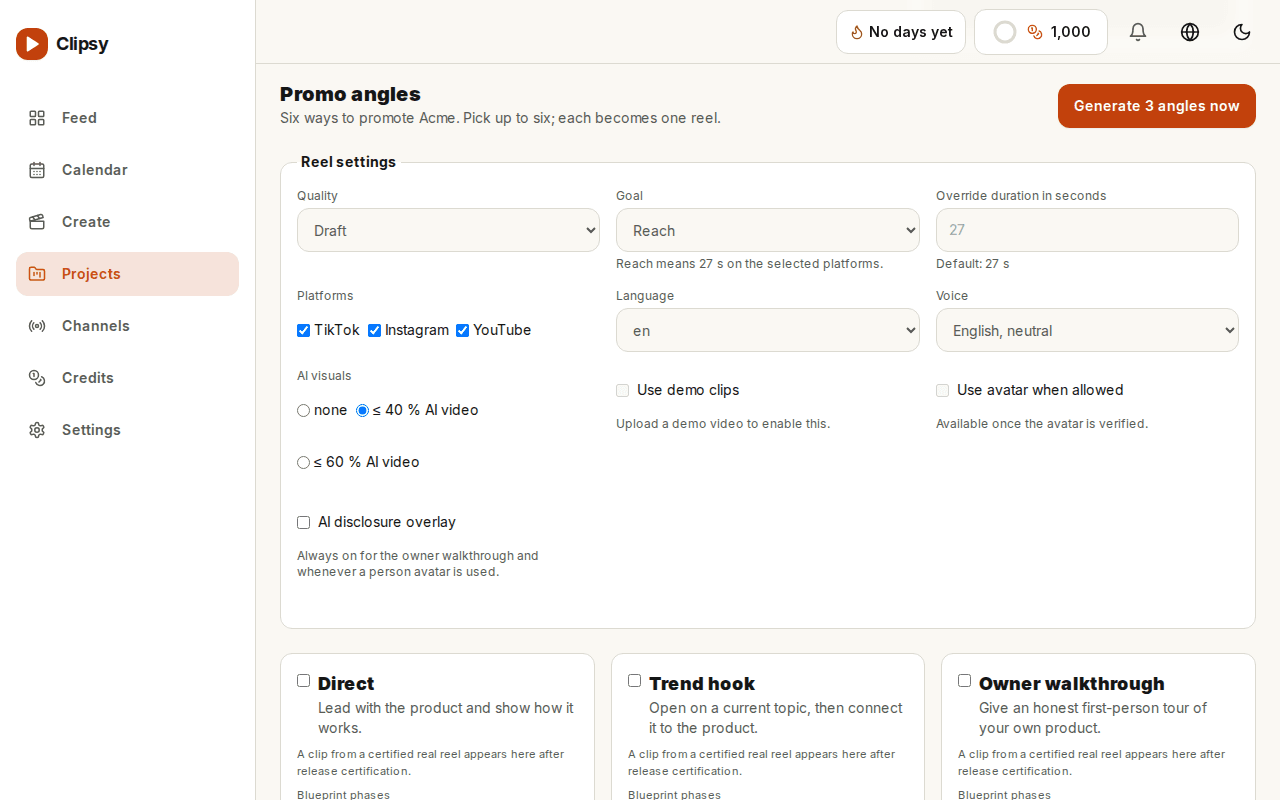
Each angle has timed phases and a different compliance rule. The example is a starting script, not a performance claim.
Show the product and its workflow without a long setup.
Show the local business product first, name the task it handles, demonstrate one workflow, then invite the viewer to try the next step.
Open on a topic people search for this week, then pivot to the product.
Open with a current topic that fits the local business, pivot to the product, show the relevant workflow, and close on the sourced payoff.
The owner shows the product in the first person.
The owner introduces the local business product, walks through the feature in first person, states a measured view, and keeps the AI-demo label visible.
Teach one workflow in three numbered steps and end on a save prompt.
Promise one useful outcome for the local business, teach it in three numbered steps, show each step, and finish with a save prompt.
Show the friction first, then the workflow that removes it.
Name one real point of friction for the local business, show its effect without invented figures, demonstrate the solution, and compare the two workflows.
Put your workflow next to an alternative and state the differences plainly.
Place the local business workflow beside a named alternative, compare only sourced functions and pricing, then let the viewer choose the fit.
Paste the product website. Clipsy uses the page as the source for a watermarked browser preview.
This example includes 27 seconds of standard AI video for TikTok, a script and server rendering: about 83 credits. Narration and avatar options are not included. Review your full estimate before generation.
The six blueprints organize different source material: a direct demo, current topic, owner walkthrough, tutorial, problem and solution, or neutral comparison.
The preview uses the website you submit as its source for product wording, screenshots, logo, and colors. You can review the result before paying.
No. The landing preview renders in the browser with a watermark. A paid generation shows its credit estimate before it starts.