Your first product video, from website to published post
A practical Clipsy workflow: prepare your brief, choose an angle, review the cost and video, then download or schedule it.
A useful product video gives someone one clear reason to care. Start with one feature or task, rather than trying to fit your whole website into a reel. This guide follows the Clipsy workflow and shows where your judgement matters.
Start with a page that explains the product
Use a public page you own or are allowed to use. A feature page with clear copy and useful screenshots gives Clipsy more relevant material than a page full of unrelated offers. You can try the anonymous storyboard preview before creating an account.
In your project, review the extracted brief, audience, logo, colors, and screenshots. Correct anything outdated. The source page is a starting point, so check every product claim before it becomes part of a script.
Choose one angle and one message
Use Direct for a quick introduction, Tutorial for a task, or Problem and solution for a specific frustration. Walkthrough is the owner’s demonstration, with an AI disclosure. Trend hook connects a relevant topic to your product. Comparison needs factual, verifiable differences.
For a first video, pick a feature you can show clearly on screen. Give it one call to action that leads to a completed page. An AI avatar must never pretend to be a real customer giving a testimonial.
Check the cost before generation
Finished video generation requires an active paid plan. Credits depend on duration and generation settings. Review the estimate before confirming; it is the maximum that the job can settle for. Credit packs add balance to an active plan.
A monthly spend cap limits generation spending. A failed generation releases its held credits. You can explore the pricing calculator before choosing a plan, and check the refund policy for the first-subscription conditions.
Watch once with sound, then once without it
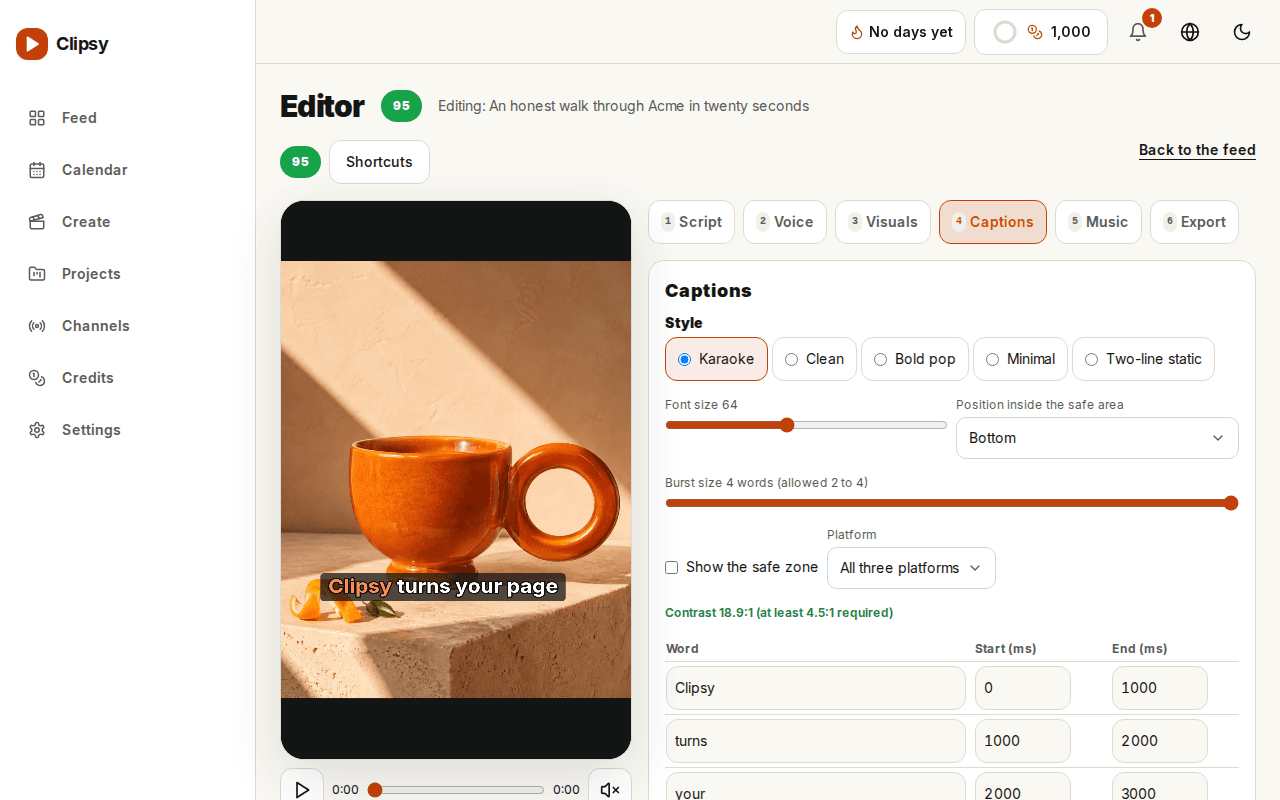
Check that the opening matches the product, the voice pronounces names correctly, and the text stays readable on a phone. Review captions in the video’s language, especially Arabic direction and the placement of mixed text such as URLs or prices.
Check screenshots for private information and verify any numbers, comparisons, or speed claims. Keep required AI disclosures visible. A real person’s face or cloned voice needs their recorded consent and the required checks before use.
Download or schedule the approved version
Download the finished video or connect a supported TikTok, Instagram, or YouTube channel and schedule it. Check the destination account and audience time zone. Drafts wait for approval unless you enable autopilot for that channel.
Review the published result on the destination platform, including its caption and AI label. A successful generation does not guarantee platform acceptance or reach. Keep a local copy of videos you want to retain.
Give the next video a specific job
A feature introduction can lead to a tutorial, and a tutorial can lead to a focused comparison. Change the question the video answers. Repeating the same claim with a different opening gives viewers little reason to watch again.
Use what your audience asks and what the product can demonstrate to choose the next topic. Clipsy helps with production and scheduling; you still decide what is accurate, useful, and ready to publish.